Reports
Wins, targets and stuck deals, counted for you
Reports read straight from what your team did: the deals they moved, the calls they made, the messages they answered. Save the ones you use, put them on a dashboard or have them emailed to you.
Check the month against its target
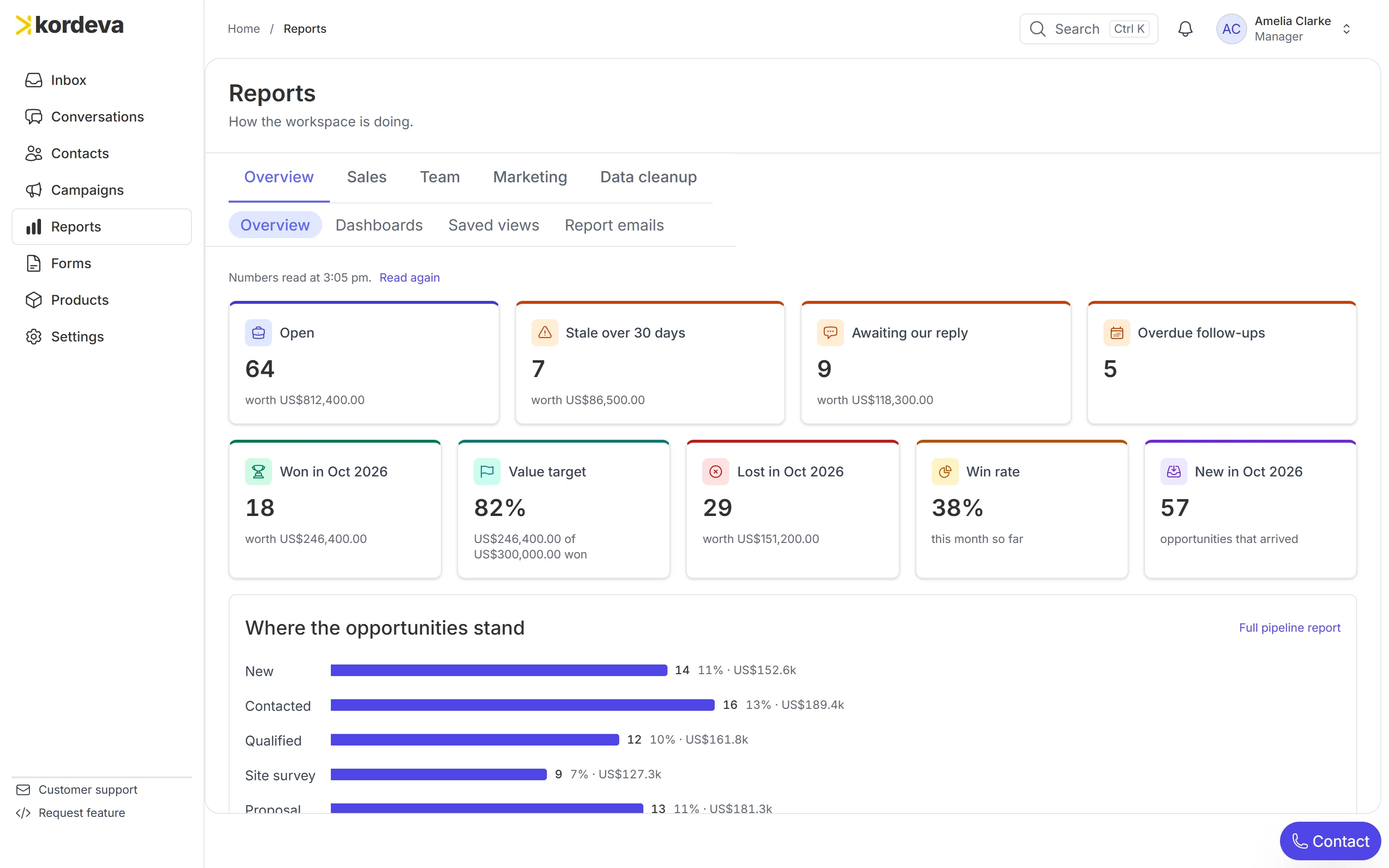
One page shows what was won this month, how far that is towards the target you set and how many deals have gone stale. Click a number to open the report behind it, and from there the deals.
See who reaches a new lead first
For each salesperson, the report shows the time from a lead arriving to the first contact. Here Daniel takes 9 minutes and Tom 1.3 hours, which tells you where to start the conversation.
Watch open deals grow or shrink
A line shows how many deals were open at the end of each month. A forecast for the coming months weighs each deal by its stage’s chance of winning: the figure you set, or how often your own deals at that stage were won.
Get the numbers by email on Monday
Switch on the Monday summary and it arrives every Monday at 8:00 am. Any report you have saved can also be emailed daily, weekly or monthly, to you and to others on your team.
The overview a manager opens first
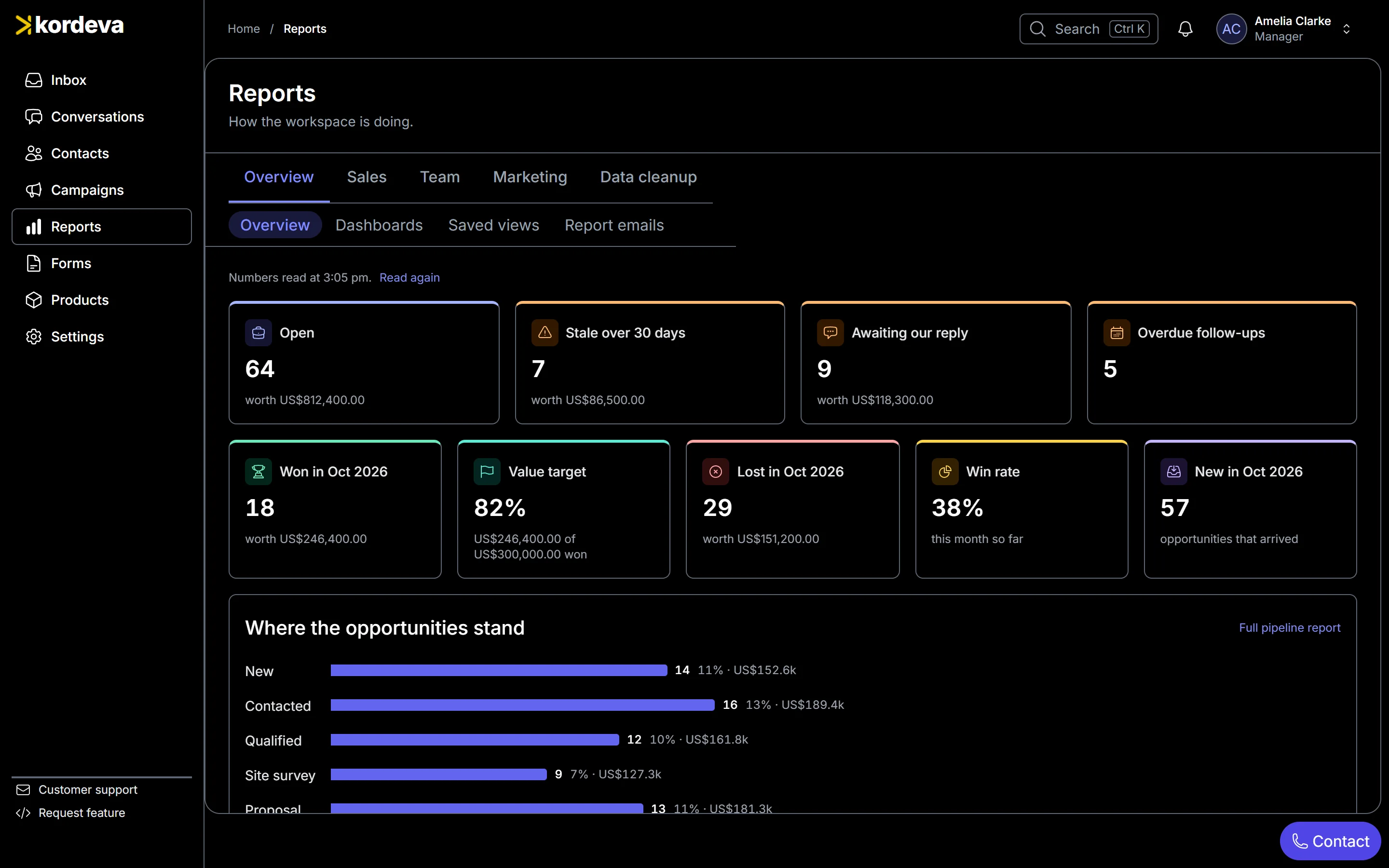
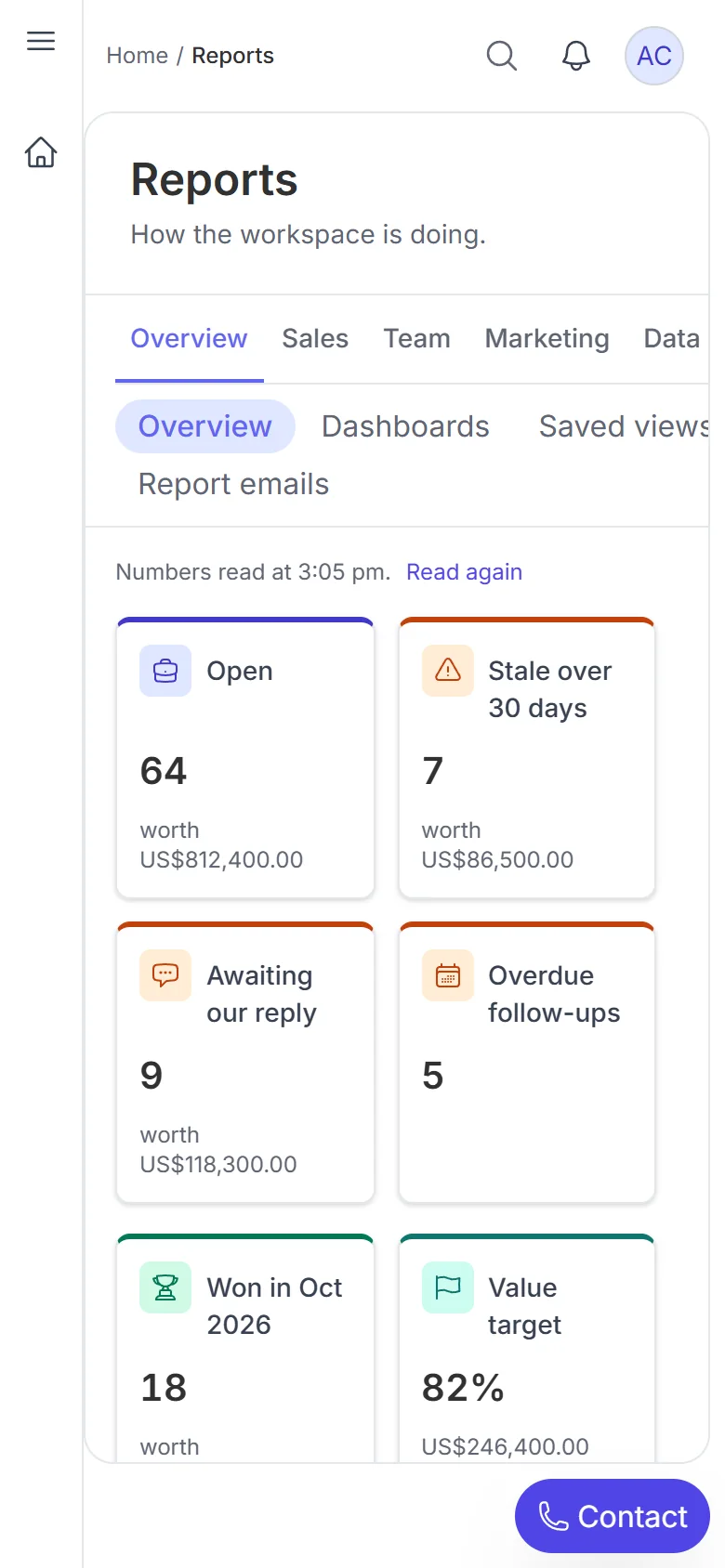
A real screenshot, filled with a demo solar company’s leads.
More of Kordeva
Conversations
Each customer’s history, with the deal beside it
Learn moreTeam inbox
Every incoming chat shows who has it
Learn moreLead capture
Every new lead in one list, with its answers
Learn moreAutomation
Leads handed out and welcomed automatically
Learn moreCalling
Calls in the browser on your own line
Learn moreSee it before you decide anything
Book a demo and we will walk you through the product and answer your questions. If it fits, we set it up with you.