Conversations
Every conversation with a customer in one place
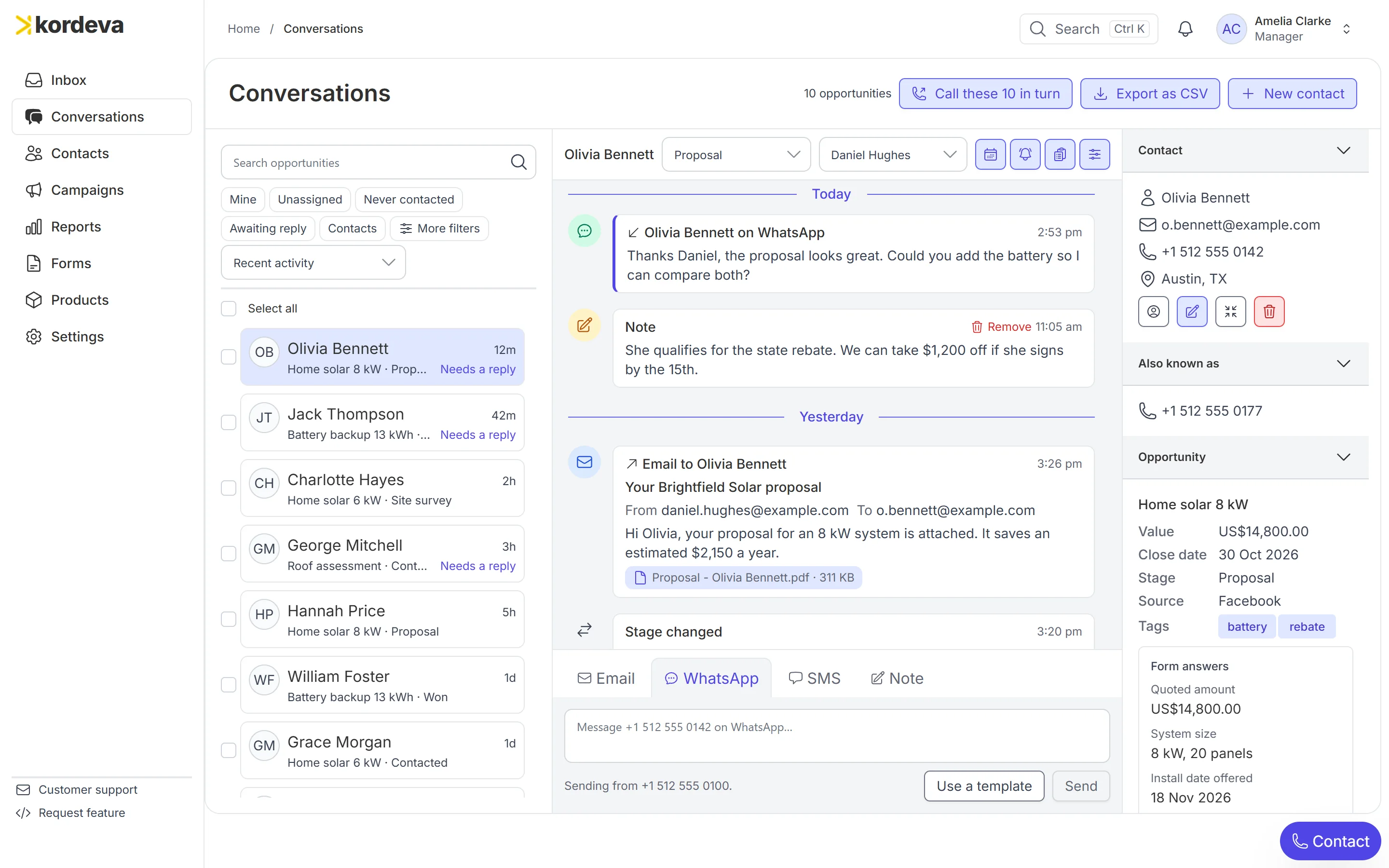
Conversations is the screen a salesperson works in all day. The customer list is on the left, the history of whoever you opened is in the middle and their deal is on the right.
Read WhatsApp, calls, email and texts together
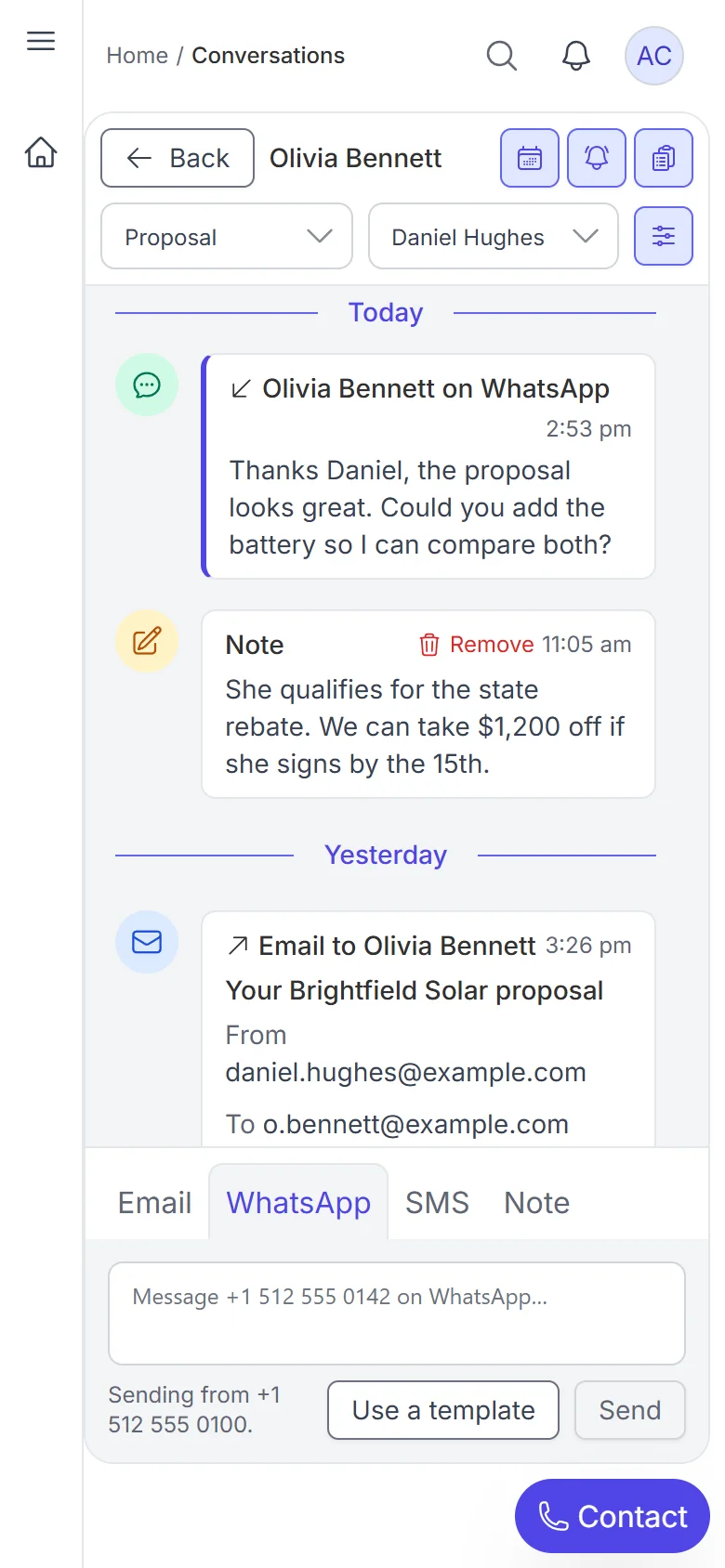
A WhatsApp message, a 14-minute call with its note, the proposal email and a colleague’s note all sit on one thread, newest at the top.
One reply box for WhatsApp, email and text
The box opens on the channel last used with the customer, with tabs for email, WhatsApp, text and a note to your team. Saved snippets drop in your usual answers with the customer’s name already filled in.
Move the deal without leaving the chat
Value, close date, stage and owner sit beside the conversation. Change the stage there and the move is written into the history: Site survey to Proposal.
Start with whoever has waited longest
The customer list marks who needs a reply and who has never been contacted. Sort by Longest waiting and work down from the top.
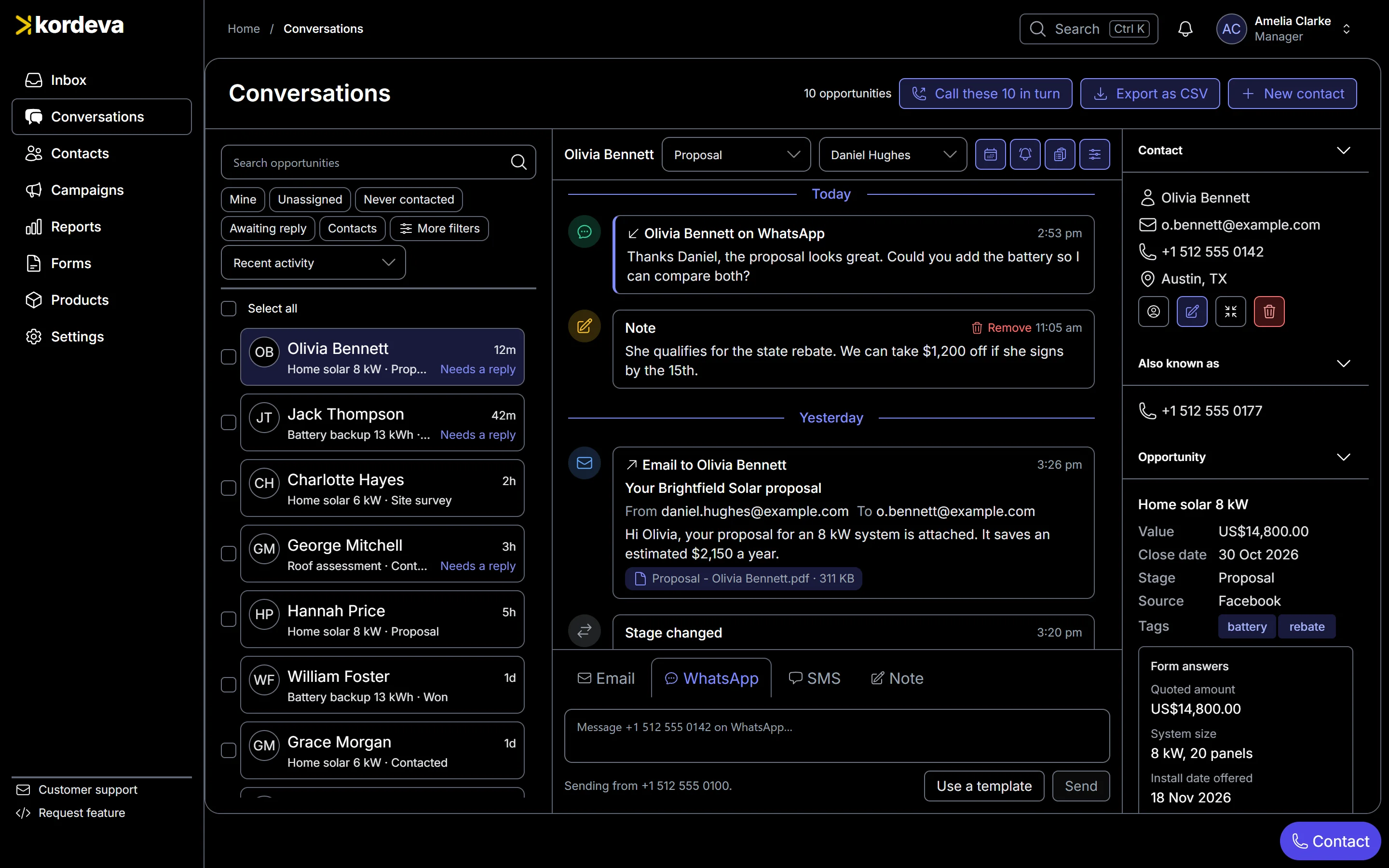
The whole screen: customers, history and deal
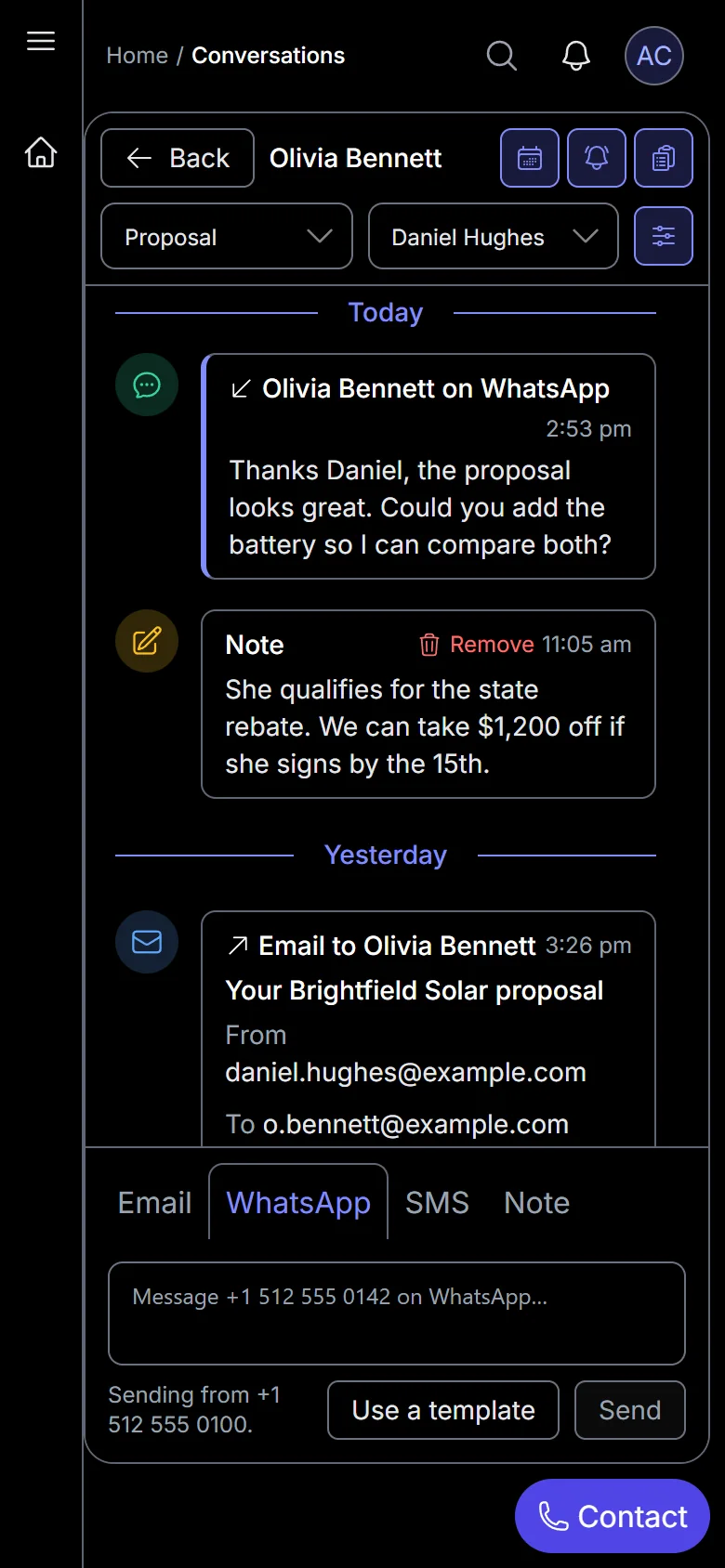
A real screenshot, filled with a demo solar company’s leads.
More of Kordeva
See it before you decide anything
Book a demo and we will walk you through the product and answer your questions. If it fits, we set it up with you.